Flexible SCADA Help
Flexible SCADA is a supervisory control system: it polls controllers and instruments, shows mimic diagrams, trends and alarms to operators, keeps history and produces reports. Engineers build projects in the Flexible SCADA application for Windows, macOS or Linux. Operators open published screens in a browser.
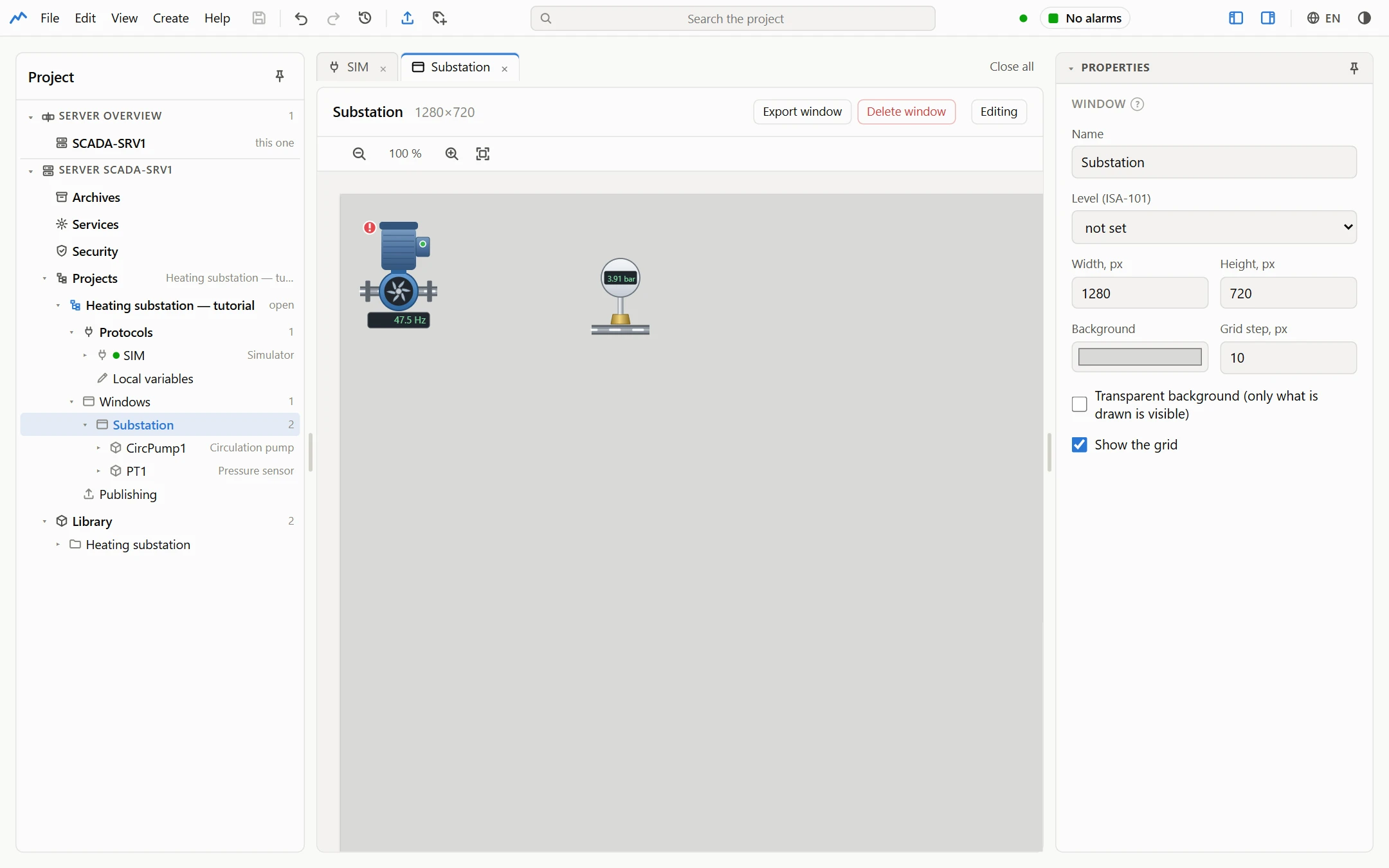
Quick start: a project in 15 minutesFrom an empty server to a running object on the operator's screen: a simulator channel, variables, a window with a pump from the standard library, bindings, a trend, an alarm, publishing. Every step comes with screenshots and an animation.
InstallationThe server on Windows and Linux, the IDE on Windows, macOS and Linux: deployment options, the wizard and silent setup, sudo webscada, updates, removal, ports, folders, hardening.
Windows, macOS and LinuxKeys, menus, the window and the trackpad on each system; operator screens in a browser.
How the system worksServer, project, channels, variables, objects and types, windows, publishing — what each one is and how they connect.
Development environmentMenus, buttons, search, the project tree, tabs, the Properties column, layout.
Variables and channelsEvery variable setting: type, range, scaling, archive, writing from the screen, local variables.
ProtocolsModbus TCP, OPC UA, Siemens S7, IEC 104, MQTT, SNMP, BACnet/IP, Omron FINS, Mitsubishi MC, EtherNet/IP, KNX — channel settings and addresses.
Window editorTools, selection, alignment and distribution, smart guides, grid snapping, keys.
Window elementsText, inputs, button, indicators, alarm table, trend, menu, shapes — every property and its values.
Objects and typesEquipment types in the library, project objects, arrays, bindings and binding templates, inheritance.
Standard librariesVentilation, heating substation, boiler house, wastewater, warehouse, pipelines, power supply — 145 ready-made types.
TrendsValues over time: live and from the archive, time window, scales.
AlarmsConditions and limits, priorities, acknowledgement, shelving, the journal, ISA-18.2 performance.
ProgramsLogic in C#, ST and FBD (IEC 61131-3): triggers, variables, timers, the log.
ReportsShift and daily reports from the archive: templates, schedule, Excel and printing.
PublishingVersions for operators, stations, rollback; moving a project to another server.
Operator client and consoleMimic diagrams, object panels, alarms, trends and reports at the operator's workstation.
AdministrationServices, users and roles, network, archives, backups, redundancy, notifications.
How to use this help
- From the program. F1 opens help on what is selected; in the project tree — right-click → Help.
- Search — the field at the top (Ctrl+K or /): it searches all pages.
- Screenshots enlarge on click; the orange numbers on a screenshot are explained below it. The ← → keys page through the screenshots of a page.
- Step animations play by themselves when they are on screen; hover to pause, ◀ ▶ step one by one.
- Parameter tables are taken straight from the program: the field label, every allowed value, the default and what it means.
The help works without the internet and without a server: it is installed with the IDE (the Flexible SCADA program for Windows, macOS and Linux) and opens in its window by F1. The help is available in English and Russian; other interface languages get the English help.